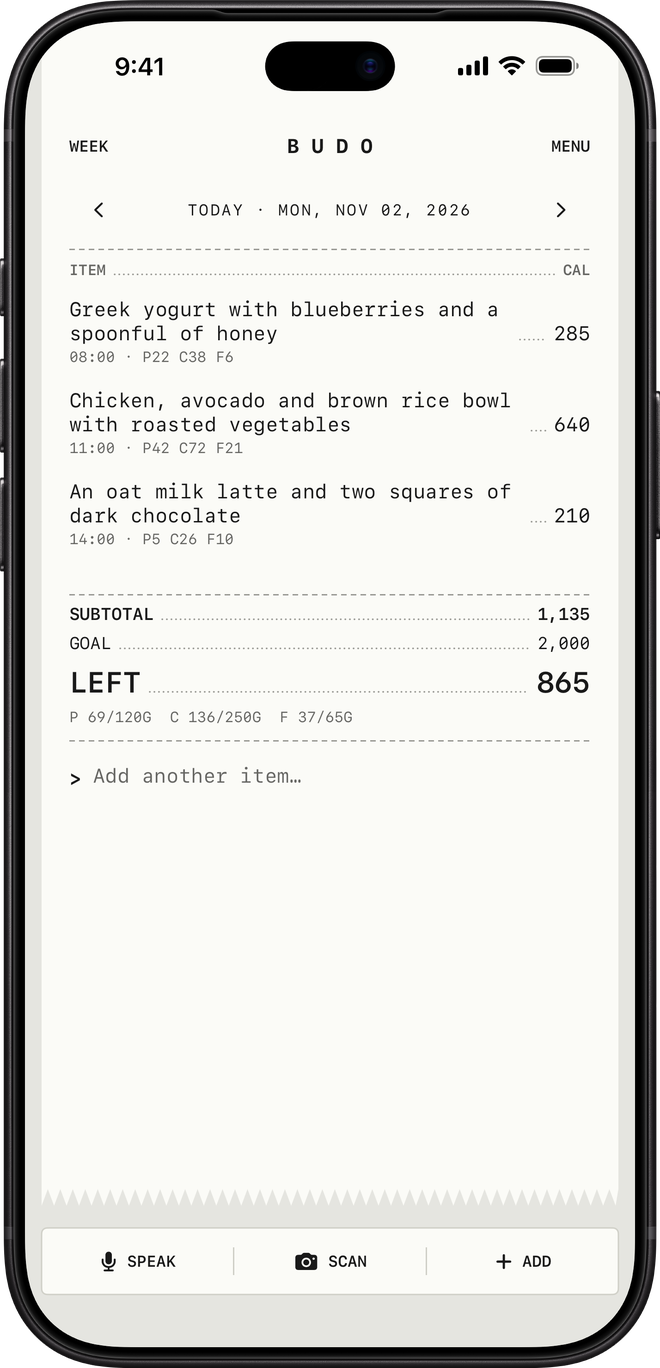
Type or speak a meal the way you’d say it: “Greek yogurt with blueberries and a spoonful of honey.” With your permission, AI estimates the calories and macros.
02 · Scan
Or point the camera.
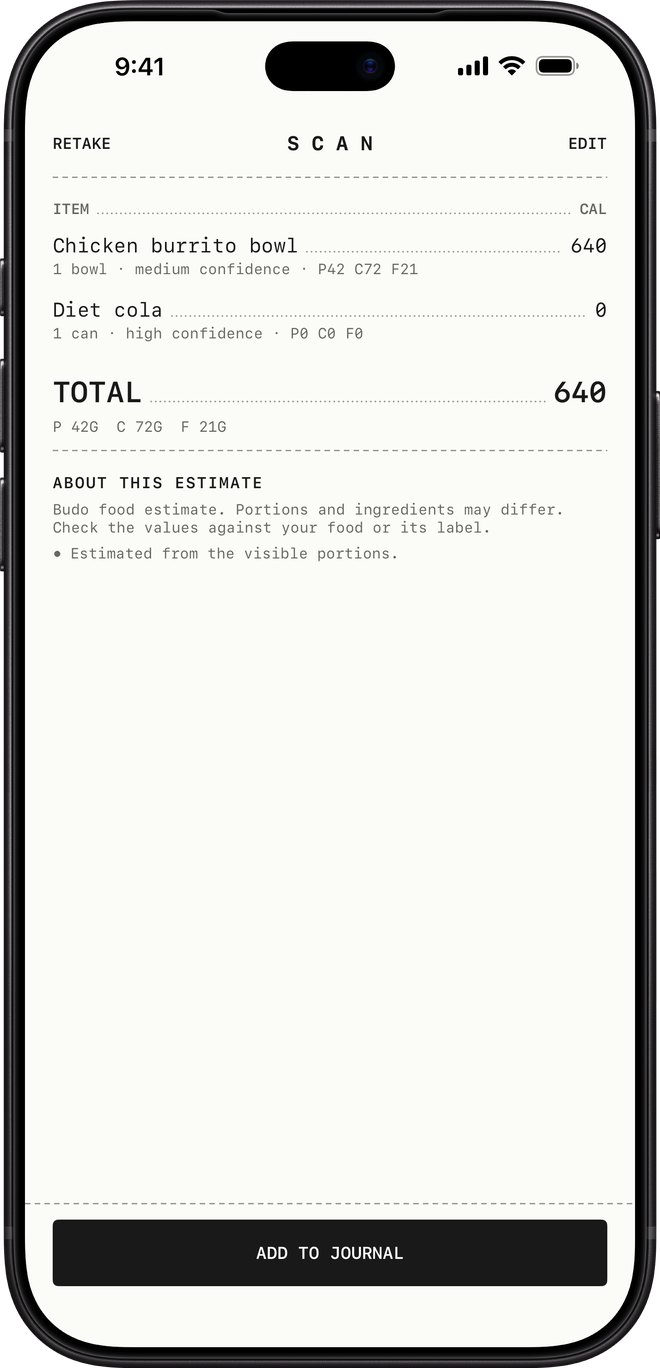
Scan a barcode, or photograph a nutrition label, a menu or your meal. Check the estimate, then add it to your journal.
03 · Review
Keep it honest.
Tap any entry to correct it, or enter the nutrition yourself. See what’s left today and how your week is going.
The free plan
Free
No ads. No tracking. No subscriptions.
A free journal with a daily AI allowance.
Budo is free to use. AI estimates draw on a daily allowance; manual entries and saved meals never do.
AI estimates a day
20
Of those, photos
Up to 2
Manual entries
Unlimited
Saved meals
Unlimited
Price
Free
The allowance counts estimate attempts, including retries, and resets at midnight UTC; the app shows when that is in your time zone. Short cooldowns also apply.
Budo is for adults 18 and older.
Questions
A few things to know.
Do I have to use AI?
No. Budo asks before sharing a food note or photo with Google Gemini, and you can turn that permission off in Settings → Privacy & AI. With it on, Budo estimates a note shortly after you stop typing. Manual entries and saved meals still work without it.
What else is in the app?
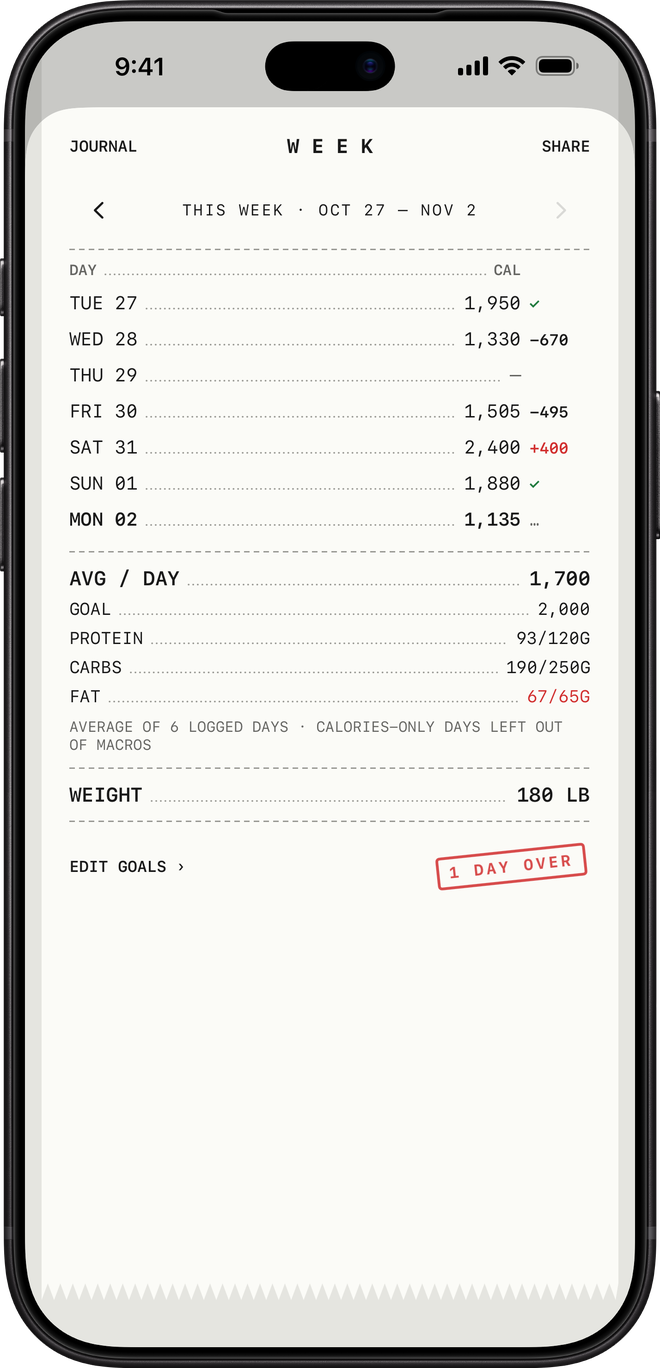
A short setup suggests a starting calorie and macro goal, which you can change. You can dictate an entry or say “Log food in Budo” to Siri, save meals you eat often, and add a Home Screen widget with what’s left today. The week view lists every day with a tick when you’re on track, plus your weight. Apple Health is an optional connection for weight and nutrition.
How accurate are the estimates?
Portions, recipes and labels vary, and AI can make mistakes. Review each result and adjust it to match your meal. Budo’s estimates aren’t a substitute for professional advice.
Can I try it before creating an account?
Yes. After confirming you’re an adult and agreeing to AI processing, you can try one text meal, then create an account to keep it. Trial availability is limited. You can also go straight to account creation and use manual entries without AI.
Can I use the journal offline?
Your saved journal stays available on the device. Estimates need a connection, and your account syncs again when you reconnect. Saved meal templates stay on the device where you made them.
Where is my data kept?
Your account and journal are stored with Google Firebase so they sync between your devices. Estimates go through Budo’s servers to Google Gemini, and food words or barcodes may be looked up in USDA FoodData Central and Open Food Facts, without your account details. Budo has no ads, no third-party analytics and doesn’t sell your data. The privacy policy has the details.
Coming soon
Your first note is nearly here.
Budo is coming soon to the App Store for iPhone. It’s free, for adults 18 and older.